
IPTV Guide
TellyStudio Pro IPTV: Complete Setup, Plans and Device Guide
Learn how TellyStudio Pro IPTV works, including subscription plans, free trial, supported devices, setup steps, installation help, and customer support.
Introduction
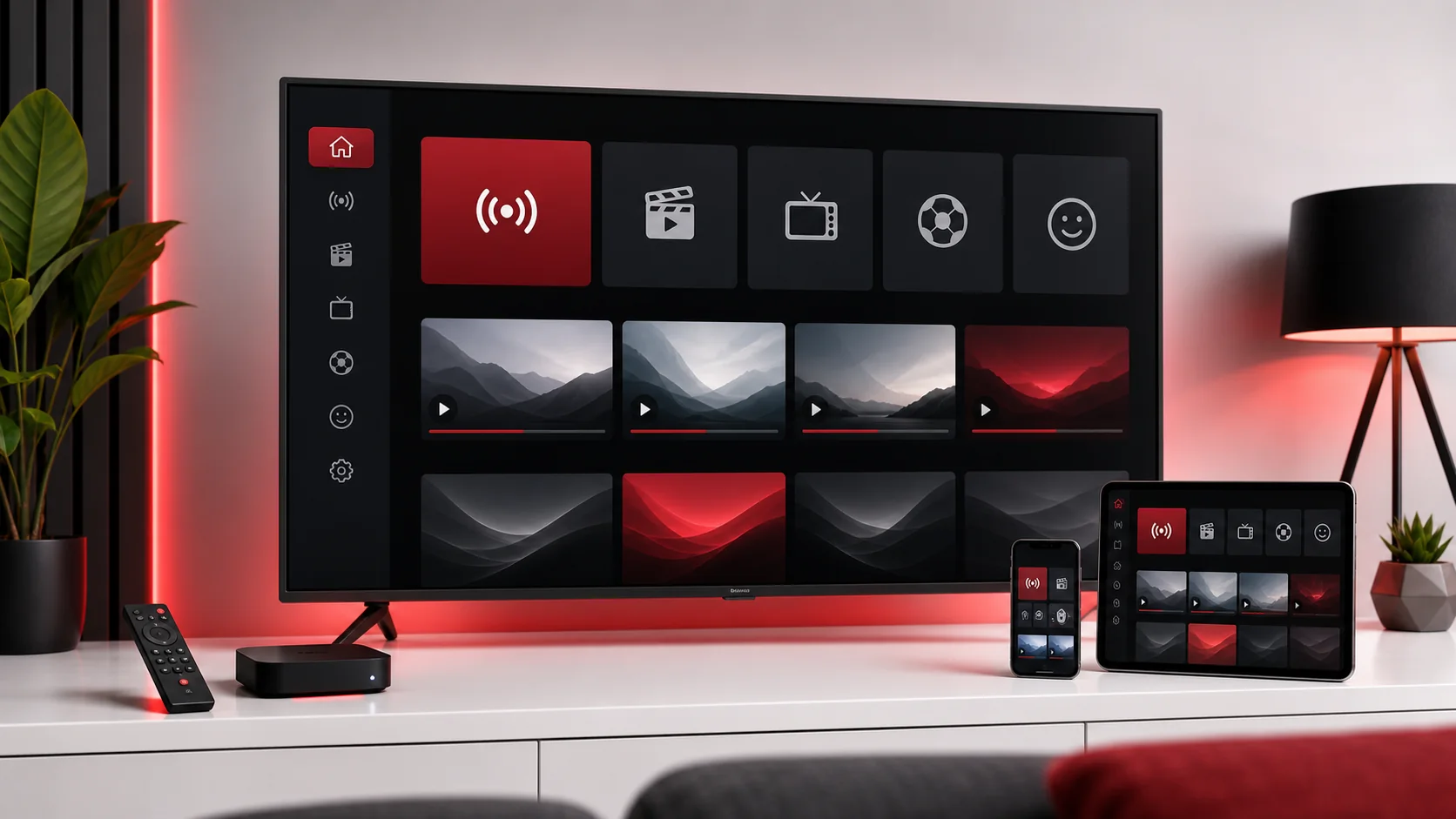
TellyStudio Pro gives users a practical tellystudio IPTV experience built around flexible plans, a free trial option, supported devices, and clear setup help. If you are comparing IPTV plans for a Smart TV, Firestick, Android device, MAG Box, iPhone, iPad, Windows computer, macOS laptop, or Chromecast setup, this guide explains how the service works and how to prepare your device before you order.
The goal is not to make exaggerated promises or claim ownership of third-party channels, movies, sports, brands, or copyrighted content. The goal is to explain the setup path in neutral terms so you know what to test, what details to prepare, and when to contact support. A good IPTV setup depends on a compatible app, a stable internet connection, accurate login details, and a device that can handle the app you choose.
This article covers TellyStudio Pro IPTV plans, trial options, installation help, supported devices, common setup problems, and practical tips for smoother playback. You will also find internal links to the TellyStudio Pro IPTV subscription plans, the TellyStudio Pro IPTV trial, and the full TellyStudio Pro installation guide.
What Is TellyStudio Pro IPTV?
TellyStudio Pro IPTV is a service experience focused on plan selection, trial requests, compatible app setup, and customer support. The service is designed for users who want a straightforward way to test IPTV on their own device, choose a subscription window, and receive setup guidance when they are unsure which app or login method to use.
In practical terms, IPTV setup usually involves three parts. First, you need a device such as a Smart TV, Fire TV Stick, Android TV box, phone, tablet, computer, or MAG Box. Second, you need a compatible IPTV app or device portal. Third, you need the subscription details supplied after trial or order confirmation. When those three parts match, the setup process becomes much easier.
TellyStudio Pro does not require users to guess every step alone. The website includes guides for common devices, including the Smart TV setup guide, Firestick setup guide, Android setup guide, and MAG Box setup guide. These guides help you prepare your device, enter details correctly, and avoid common mistakes.
Why People Choose TellyStudio Pro
People choose TellyStudio Pro because the setup path is designed to be simple. Instead of forcing every user into the same device flow, support can ask about your screen, app, country, and preferred setup method. A Smart TV user may need app-store guidance, a Firestick user may need app permissions, a MAG Box user may need portal details, and a Windows user may need a compatible player.
Another reason is plan flexibility. Some users want a quick test before they commit. Others want a short subscription window while they confirm device compatibility. Some households prefer the 12 Months option because it reduces renewal steps and gives better long-term value. The important point is that each plan should be selected after you understand your device, connection, and app requirements.
Support is also important. IPTV apps can fail for small reasons: a mistyped URL, an extra space after a password, a weak Wi-Fi signal, an outdated app, or a device clock set to the wrong time zone. Clear support communication can save time because the helper can focus on the real cause rather than guessing from a vague message.
Supported Devices
TellyStudio Pro can help with setup paths for Smart TV, Firestick, Android TV, Android phones and tablets, MAG Box, Chromecast, iPhone, iPad, macOS, Windows, and compatible IPTV apps. Device support can still depend on app availability, operating system version, region settings, and hardware performance. A newer device with stable internet usually provides a smoother experience than older hardware on weak Wi-Fi.
For Smart TVs, the first question is whether the TV app store has a compatible IPTV player. For Firestick and Android devices, app choice and storage space matter. For iPhone and iPad, app availability in the App Store can vary by region. For MAG Box, portal URL and MAC address accuracy are central. For Windows and macOS, a trusted media player or IPTV player is normally the cleanest path.
Before you order a long plan, use the trial or contact support with your device model. Send the exact device name, app name if you already chose one, country, and whether you use Wi-Fi or Ethernet. These details help support recommend the cleanest tellystudio setup path for your screen.
TellyStudio Pro IPTV Plans
TellyStudio Pro keeps plan choices simple. The available options are Free Trial: $0 / 1 Day, 3 Months: $39, 6 Months: $55, and 12 Months: $79. These are the only plans this guide discusses. You can review the full plan layout on the TellyStudio Pro IPTV subscription plans page.
Free Trial
$0 / 1 Day
Test your preferred app and device before choosing a paid subscription.
3 Months
$39 / 90 Days
A flexible short-term plan for users who want a practical subscription window.
6 Months
$55 / 180 Days
Balanced access for households that prefer fewer renewals during the year.
12 Months
$79 / 365 Days
The strongest value for long-term access, simple renewal, and consistent setup support.
The best plan depends on your situation. If you are new, start with the trial. If you already tested your device and only need a short window, the 3 Months plan may be practical. If you prefer fewer renewals, the 6 Months or 12 Months option may fit better. The 12 Months plan is positioned as the stronger long-term value for users who are confident in their setup.
How to Set Up TellyStudio Pro IPTV
Start by choosing your device and confirming that you have a stable internet connection. Restart your router before the first setup if your connection has been unstable. Keep your device close to the router or use Ethernet when possible. A clean first setup reduces the chance of buffering, failed category loading, or login problems.
Next, choose a compatible app. Some devices use app-store IPTV players, some support playlist URLs, some use Xtream Codes style fields, and MAG devices often use a portal URL. Do not mix these formats. Enter each detail exactly as supplied by support, including server URL, username, password, playlist link, or portal address.
After saving the profile, wait for categories and guide data to load. Many users press buttons too quickly during the first sync and think the setup failed. Give the app a moment, then test one category and one on-demand section where available. If something does not load, check the details again before resetting the whole app.
If you need help, use the Contact support page or WhatsApp support. Include your device, app name, country, order ID if available, and the exact error message. A screenshot can help when it shows the problem clearly.
Best Apps to Use
The best app is the one that is compatible with your device, accepts your setup format, and runs smoothly on your internet connection. A heavy interface may look attractive but perform poorly on older hardware. A simpler player can sometimes provide a more stable experience, especially on compact streaming devices or older Smart TVs.
Look for an app that supports profile editing, playlist refresh, EPG refresh, player engine settings, and clear error messages. If an app hides important settings or crashes often, it may not be the best choice for your setup. App availability can vary by country and device store, so support may recommend different options for different users.
Do not enter subscription details into unknown websites or apps from suspicious sources. Use trusted app stores where possible, keep apps updated, and avoid sharing your account information publicly. The safest tellystudio installation guide is one that matches your exact device and uses a reputable player.
Common Setup Problems and Fixes
Login errors are often caused by small typing mistakes. Re-enter the details exactly, avoid extra spaces, and check whether the app expects a playlist URL, portal URL, or username/password/server fields. If you paste from a message, make sure your device did not add a hidden space at the end.
Empty categories can happen when the app has not finished syncing or when a profile was saved incorrectly. Refresh the playlist, restart the app, and wait for the first load to complete. If categories still do not appear, contact support with your device and app name.
Buffering usually points to network conditions, device performance, or player settings. Restart the router, move closer to Wi-Fi, use Ethernet where possible, and pause downloads on other devices. If your app has player engine settings, test one change at a time. Do not change several settings at once because it becomes harder to know what helped.
Missing EPG can be caused by app limitations, time zone settings, or a guide refresh that has not completed. Check your device clock, refresh the guide manually, and wait a few minutes. If the app does not support EPG well, support may suggest a more suitable player.
Free Trial and Subscription Options
The TellyStudio Pro IPTV trial is useful because it lets you test the real device and app you plan to use. A trial is most valuable when you test honestly: same TV, same room, same Wi-Fi, same app, and same viewing conditions. Testing on a stronger temporary connection may not reveal how your normal setup will perform.
After the trial, choose the plan that fits your confidence level. If you still need to test, ask support before ordering a longer plan. If everything works well, compare the 3 Months, 6 Months, and 12 Months options. The longer plans reduce renewal frequency, while shorter plans keep the commitment smaller.
You can also use the Shop page to start the order flow or review plan actions. If you have questions before ordering, the FAQ page covers common concerns about support, activation, devices, and internet speed.
Tips for a Better IPTV Experience
Use Ethernet when possible, especially for Smart TV, MAG Box, Windows, and TV box setups. If Ethernet is not available, use a strong Wi-Fi signal and keep the device away from closed cabinets. Router placement matters more than many users expect. A device hidden behind a TV may have weaker signal than a phone held in your hand.
Keep your app and device updated, but avoid changing advanced settings unless you have a reason. If playback is already smooth, leave the player engine and buffer settings alone. If there is a problem, change one setting, test it, and write down what changed. This makes troubleshooting easier.
Save your setup notes privately. Write down the app name, device model, activation date, and support conversation reference. Do not store sensitive passwords in public notes or screenshots. If you change devices later, those notes will help support understand your previous setup.
Finally, be specific when you ask for help. Instead of saying that IPTV does not work, describe the exact issue: login rejected, empty categories, buffering after ten seconds, no EPG, app closing, audio without video, or portal not loading. Specific messages lead to faster answers.
FAQ
What is TellyStudio Pro IPTV?+
TellyStudio Pro IPTV is a subscription and setup support service that helps users choose a plan, test a free trial, configure compatible IPTV apps, and receive installation guidance for supported devices.
Is there a free trial?+
Yes. TellyStudio Pro offers a Free Trial for $0 / 1 Day so you can test your device, app, connection, and basic playback before choosing a paid subscription.
Which devices are supported?+
Supported setup paths include Smart TV, Amazon Fire TV Stick, Android devices, MAG Box, Chromecast, iPhone, iPad, Windows, macOS, and compatible IPTV apps.
How fast is activation?+
Activation is usually handled quickly after the required device details and order confirmation are reviewed. Exact timing can depend on the support queue and payment confirmation.
Do you provide setup help?+
Yes. TellyStudio Pro support can help with app choice, playlist entry, login checks, EPG setup, and basic troubleshooting for compatible devices.
What internet speed do I need?+
A stable connection matters more than a headline number. HD playback usually needs steady broadband, while higher quality playback benefits from stronger bandwidth and a reliable router.
Related Guides
Final CTA
Ready to test your device or choose a plan? Start with the free trial if you are new, compare subscription windows if your setup is ready, or contact support if you want help choosing the right app for your device.