
Device Guide
Best Devices for IPTV: Smart TV, Firestick, Android TV or MAG Box?
Compare the best devices for IPTV including Smart TV, Firestick, Android TV, MAG Box, iPhone, Android, and Windows to choose the right setup.
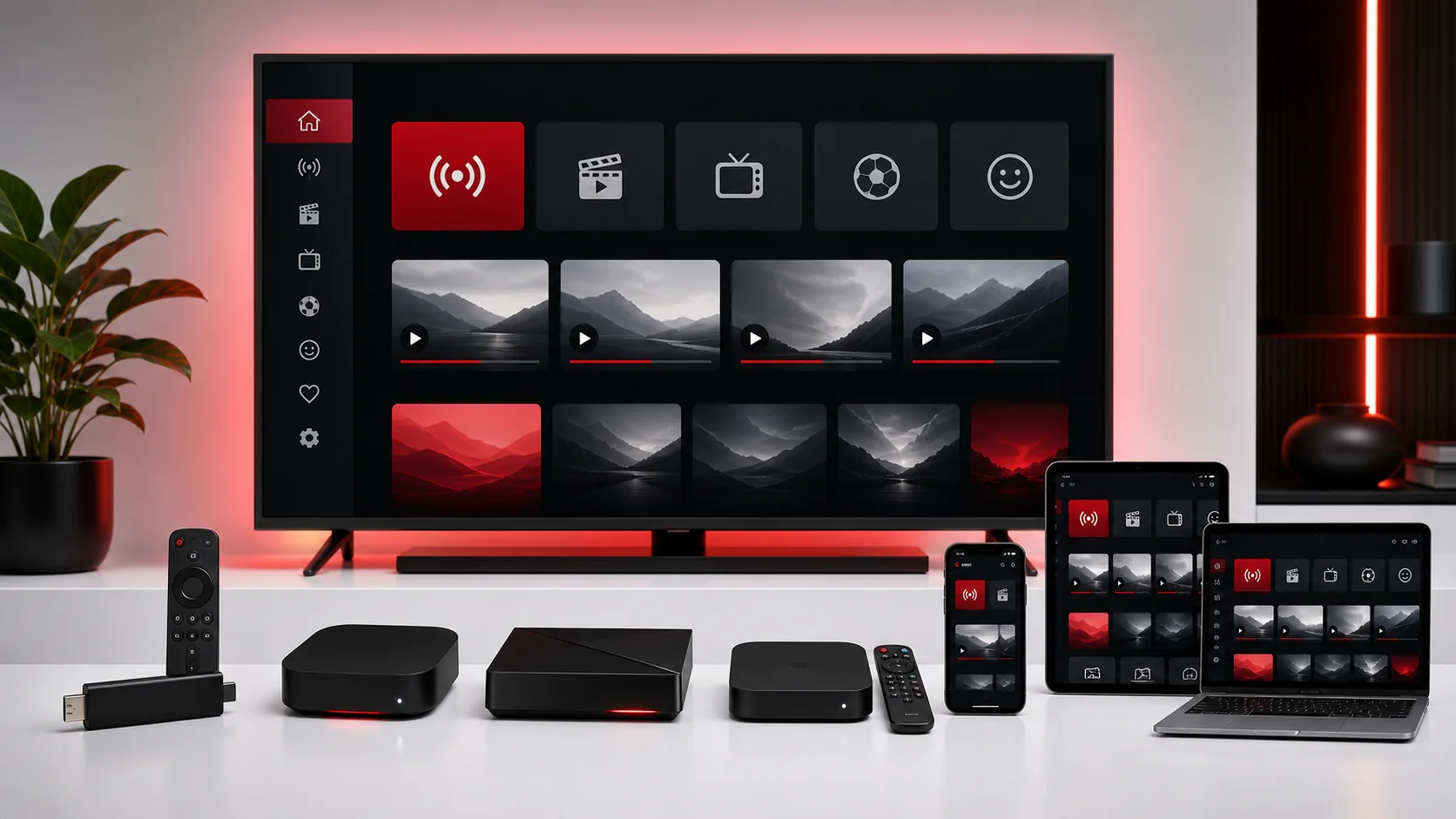
How to Choose the Best Device for IPTV
The best devices for IPTV are not the same for every user. A Smart TV is convenient, a Firestick is portable, Android TV gives flexibility, MAG Box offers a structured portal setup, and phones or computers are useful for personal viewing. The right choice depends on your app options, remote control comfort, internet connection, and how much setup help you want.
Before comparing devices, think about where you actually watch. A living-room TV setup needs easy remote navigation. A bedroom setup may need a compact streaming stick. A traveler may care more about phone, tablet, or laptop access. A user who dislikes app stores may prefer a dedicated box with a simpler portal flow.
Also think about who will maintain the setup. If one technical person installs everything for the household, flexibility may be welcome. If several people need to use the device without help, simple navigation and a reliable remote can matter more than advanced settings.
This guide compares the main device categories and links to the relevant TellyStudio Pro setup guides, including Smart TV setup, Firestick setup, Android setup, and MAG Box setup.
Smart TV
Smart TV is the cleanest option when the right IPTV app is available in the TV store. You do not need an extra device, another cable, or another remote. Everything runs from the TV itself. This makes Smart TV a good option for users who want a simple living-room setup with minimal equipment.
The downside is app availability. Some TV operating systems have fewer IPTV player options than Android or Fire TV devices. Older TVs may also feel slow, especially with large menus or heavy app interfaces. If your TV store has a compatible app and performance is smooth, Smart TV can be excellent. If not, an external device may be easier.
Smart TV users should test with the trial before a longer plan. Confirm that the app installs, saves the profile, loads categories, and can reopen after the TV restarts.
If the TV is older, check how quickly the app moves between menus. Slow navigation can become annoying over time even when playback works. In that case, keeping the TV but adding an external streaming device may be the better compromise.
Firestick
Firestick-style devices are popular because they are compact, affordable, and easy to move between TVs. They are useful for users who want app flexibility without replacing a television. The remote is simple, and many users already understand the interface.
The main things to watch are Wi-Fi strength, storage space, and app permissions. A streaming stick hidden behind a TV can have weak signal. Low storage can make apps slow or unstable. If the app is not installed correctly or permissions are blocked, setup may fail. Restarting the device and clearing unused apps can help.
Firestick is a strong option for beginners when support confirms a compatible app and the device sits close enough to the router. Test the normal viewing location, not just a spot near the router.
Android TV
Android TV boxes and Android TV screens are flexible because they often support many apps and setup styles. Users can choose from different IPTV players, adjust settings, and use familiar Android-style menus. This flexibility makes Android TV a good choice for users who like control.
The tradeoff is quality variation. Some Android boxes are powerful and stable, while others are slow, outdated, or short on storage. A cheap device with weak hardware may struggle with high-quality playback or large app menus. Choose a reliable device and keep it updated.
Android TV works best when you choose a reputable app, avoid overloading the device with unused apps, and use Ethernet or strong Wi-Fi. If you already own an Android TV device, it is worth testing before buying anything new.
MAG Box
MAG Box setup is different from app-based devices. It usually depends on portal details and the device MAC address. This can feel more structured, which some users prefer. Once configured correctly, the device can be straightforward for remote-control viewing.
The biggest risk is entering portal details incorrectly or sending the wrong MAC address. A single wrong character can prevent the portal from loading. MAG Box users should prepare the model, MAC address, network type, and portal screen before contacting support.
MAG Box may suit users who want a dedicated TV setup rather than a general app device. It is less flexible than Android-style systems, but that narrower focus can be helpful for some households.
iPhone and iPad
iPhone and iPad are convenient for personal viewing, quick tests, and portable use. They are easy to connect to Wi-Fi, easy to update, and familiar for many users. The main limitation is app availability in the App Store, which can vary by country and policy.
A phone or tablet test is useful, but it should not replace testing your main TV device. Mobile playback may work well while the living-room setup still needs a different app. Use iPhone or iPad to learn the service, but confirm the screen you plan to use most often.
If you prefer mobile viewing, make sure your connection is stable and avoid testing only on mobile data if you normally watch on home Wi-Fi.
Android Phone
Android phones are flexible and useful for quick setup checks. They often support several compatible IPTV apps, and it is easy to paste login details from a support message. This makes Android phones helpful during the trial stage.
However, a phone screen is not the same as a TV experience. Touch navigation, mobile battery, screen size, and network conditions are different. If your goal is family viewing on a TV, use the phone only as an early test, then configure the TV device separately.
Android phones are best for users who want portability, quick testing, or a backup option when the main screen is unavailable.
Windows
Windows is useful for users who prefer a desktop player, laptop screen, or HDMI connection to a TV. It can be easier to type long URLs, manage files, and troubleshoot network settings on Windows than on a TV remote. A trusted media player or IPTV player can provide a clean setup path.
The downside is that Windows depends on software choices, firewall settings, and background activity. Downloads, VPNs, security tools, or heavy browser usage can affect playback. Close unnecessary programs when testing and make sure the player is allowed through security prompts when appropriate.
Windows is a strong choice for technical users, office setups, or people who want a keyboard during setup. For a simple living-room experience, Smart TV, Firestick, Android TV, or MAG Box may feel more natural.
Final Device Comparison
Choose Smart TV if your TV has a good app and you want fewer devices. Choose Firestick if you want a compact, portable setup. Choose Android TV if you want app flexibility and settings control. Choose MAG Box if you prefer a dedicated portal-style device. Choose iPhone, iPad, or Android phone for personal viewing and quick testing. Choose Windows if you want keyboard control and desktop troubleshooting options.
No device is perfect for everyone. The best device is the one you can set up correctly, connect reliably, and operate comfortably. If you are unsure, contact support with your device list before buying new hardware. Support can help you decide whether your current device is enough or whether another option may be easier.
If you already own two possible devices, test both before choosing the main setup. Compare app availability, remote comfort, Wi-Fi strength, and how easy it is to refresh the playlist or guide. The best choice is often the device that causes the fewest support questions after the first week.
FAQ
What is the easiest device for IPTV beginners?+
A Smart TV is easiest when a compatible app is available, but Firestick or Android TV can be easier when the TV app store is limited.
Is Firestick good for IPTV?+
Firestick can work well when storage is clear, Wi-Fi is strong, and a compatible app is installed correctly.
Is MAG Box better than Android TV?+
MAG Box is more structured and portal-focused, while Android TV is more flexible with app choices and settings.
Can I use IPTV on a phone?+
Phones are useful for personal viewing and testing, but you should also test the main TV device you plan to use daily.
Should I buy a new device before testing?+
Not always. Test your current device first, then ask support if another device would make setup easier.
Final CTA
Compare your current devices, read the matching installation guide, and contact support if you need help choosing the cleanest setup path.