
IPTV Plans
How to Choose the Best IPTV Plan for Your Device
Learn how to choose the best IPTV plan for your device, internet speed, setup needs, and viewing habits with this beginner-friendly guide.
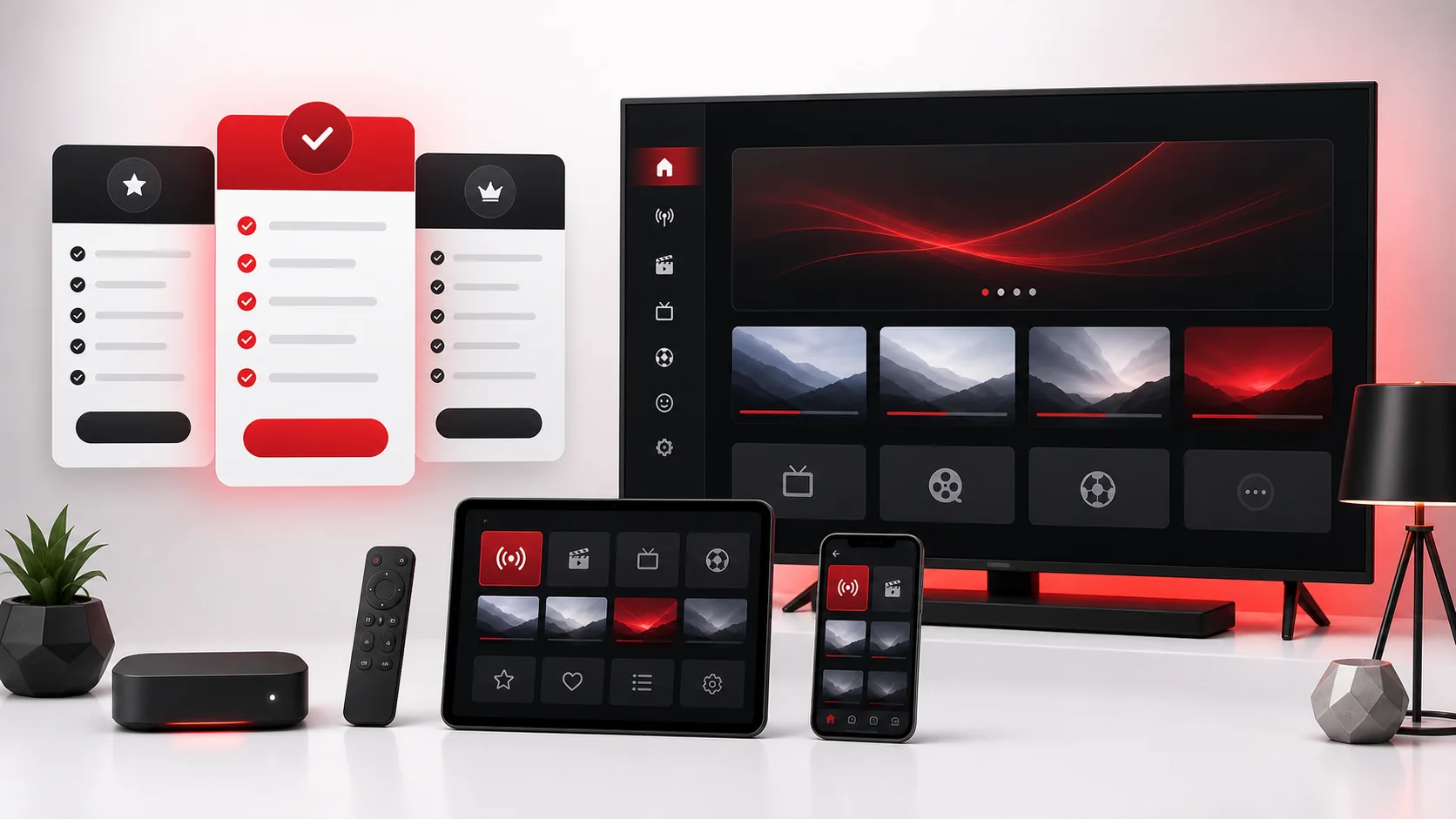
Start With the Device, Not the Price
Choosing the best IPTV plan for device compatibility starts with the screen or box you actually use every day. A plan can look attractive on paper, but the real value depends on whether your Smart TV, Firestick, Android TV, MAG Box, phone, tablet, or computer runs the app smoothly. Beginners often compare only the price and duration, then discover later that their device needs a different setup path or a stronger connection.
A better approach is to ask four questions first: which device will be your main screen, how stable is your internet, which app will you use, and how much setup help do you need? TellyStudio Pro offers plan choices that can fit different situations, but the right choice is personal. A careful user with a tested app may choose a longer plan. A new user with an older TV should begin with a trial before making a longer decision.
The plans are simple: Free Trial: $0 / 1 Day, 3 Months: $39, 6 Months: $55, and 12 Months: $79. This article explains how each option fits different devices and viewing habits without pushing everyone into one answer. You can also compare the current layout on the IPTV subscription page.
Match the Plan to Your Setup Confidence
The easiest way to choose is to think about confidence. If you have never used IPTV on your device, your confidence is low, so a trial makes sense. If you already tested the app, your internet is stable, and you know where to enter the details, your confidence is higher. If support has already confirmed your device and app, you may be ready for a longer subscription window.
The Free Trial is not just a marketing step. It is a compatibility test. Use it on the same device, same Wi-Fi, and same app you plan to use later. Testing on a phone while planning to watch on a Smart TV does not answer the real question. The trial should show whether your main device loads the app, saves the profile, refreshes categories, and plays smoothly enough for your home network.
A 3 Months plan is useful when you want more time but still prefer flexibility. A 6 Months plan fits users who already know their device works and want fewer renewal decisions. The 12 Months plan is the better long-term value for users who have tested everything and want a simpler renewal cycle.
Device-by-Device Plan Advice
Different devices create different plan decisions. Smart TVs are convenient because everything happens on one screen, but app availability can vary by TV brand, operating system, and region. Firestick and Android TV boxes are flexible, but storage, app permissions, and Wi-Fi strength matter. MAG Box setup is more structured because portal details and MAC address accuracy are central. Phones and tablets are easier to test but may not represent your living-room setup.
If your device is older, start shorter. Older hardware may struggle with heavy app interfaces, high-resolution playback, or large category lists. If your device is newer and your app is stable, a longer plan can make sense after testing. If the device is shared by a household, test at the busiest time of day because network congestion can reveal problems that do not appear during a quiet afternoon.
Smart TV users
Choose the trial first if you are unsure which app exists in your TV app store. After the app is confirmed, the 3 Months or 6 Months plan can be a comfortable next step. Use the installation guide if you need device-specific setup help.
Firestick and Android TV users
These devices are often flexible, but they depend on Wi-Fi strength and app performance. A 3 Months plan is practical after a successful trial. Move to 12 Months only when playback and app navigation feel stable in your normal viewing location.
MAG Box users
MAG Box users should confirm portal details, MAC address format, and network stability before choosing a longer window. Once the portal loads consistently, the longer plans become easier to justify.
Internet Speed and Stability Matter
A plan is only useful if your connection supports the way you watch. Internet speed is important, but stability is often more important than the biggest number on a speed test. A steady connection with low interruptions usually feels better than a fast connection that drops every few minutes. If your router is far from the TV, a short test plan is safer than a long commitment.
Before choosing, restart the router, test your device near its normal location, and avoid judging performance while other devices are downloading large files. If possible, use Ethernet for Smart TV, MAG Box, Windows, or Android TV box setups. If you must use Wi-Fi, check both 2.4 GHz and 5 GHz bands because distance and walls can change performance.
If buffering appears during the trial, do not immediately blame the plan. Check router placement, app settings, device storage, and background traffic. If the issue continues, contact support through the contact page with your device and app details.
Choose Based on Support Needs
Some users are comfortable installing apps, entering URLs, and changing player settings. Others want step-by-step guidance. If you expect to need support, choose a path that gives you time to ask questions. The trial helps confirm basics, but a short paid plan can give you more time to learn the app without feeling locked into a full year.
Support works best when you send useful details. Include your device model, country, app name, internet type, and a screenshot of any error message. If you only say that it does not work, support must ask several follow-up questions. Clear information shortens the process and helps you choose the plan with better confidence.
The FAQ page is also useful before ordering. It covers trial, devices, activation, setup help, internet speed, and support expectations in simple terms.
Compare Free Trial, 3 Months, 6 Months and 12 Months
Free Trial: $0 / 1 Day is best for first contact with a device. Use it to confirm the app opens, details save, categories load, and basic playback works. It is not meant to answer every long-term question, but it is the smartest starting point for beginners.
3 Months: $39 is best when your setup works but you want a moderate test period. It gives you enough time to understand the app, learn settings, and decide whether the device is comfortable for daily use. 6 Months: $55 is better for users who already trust their setup and want fewer renewals. 12 Months: $79 is best value for users who have tested the device, app, and connection and want the simplest long-term option.
Do not choose the 12 Months plan just because it is the best value. Choose it because your setup is proven. The right plan is the one that matches your confidence, not only your budget.
Common Plan Selection Mistakes
The first mistake is buying a long plan before testing the actual device. A phone test does not prove a Smart TV setup. A laptop test does not prove a Firestick setup. Always test the screen you plan to use most often.
The second mistake is ignoring the app. A strong device can still be frustrating if the app is hard to use, unavailable in your region, or missing the login format you need. The third mistake is judging performance while your network is under heavy load. If several people are streaming, gaming, or downloading, the result may not represent normal conditions.
The fourth mistake is not asking for help soon enough. If your login fails, categories are empty, or EPG does not appear, support can often identify the issue quickly when you share the exact device and app.
A Simple Decision Framework
Choose the Free Trial if you have not tested the device. Choose 3 Months if the trial works but you still want flexibility. Choose 6 Months if your setup is stable and you want a balanced renewal window. Choose 12 Months if you have high confidence and want the strongest value. This framework keeps the decision calm and practical.
If you are still uncertain, start with the IPTV trial, read the installation guides, and ask support before choosing a paid plan. Beginners make better decisions when they test first and buy second.
FAQ
What is the best IPTV plan for a new device?+
The Free Trial is usually best for a new device because it lets you test compatibility, app behavior, and connection stability before choosing a paid plan.
When should I choose the 3 Months plan?+
Choose 3 Months when your trial worked but you still want flexibility before moving into a longer subscription window.
Is the 12 Months plan always the best choice?+
It is the strongest value only when your device, app, and internet connection are already tested and stable.
Should Smart TV users test first?+
Yes. Smart TV app availability varies by brand, operating system, and region, so testing before a longer plan is the safer route.
Can support help me choose?+
Yes. Send your device model, app name, country, and internet type so support can suggest the most practical setup path.
Final CTA
Start with a trial if your device is untested, compare the subscription options when setup is stable, or contact support with your device details before ordering.